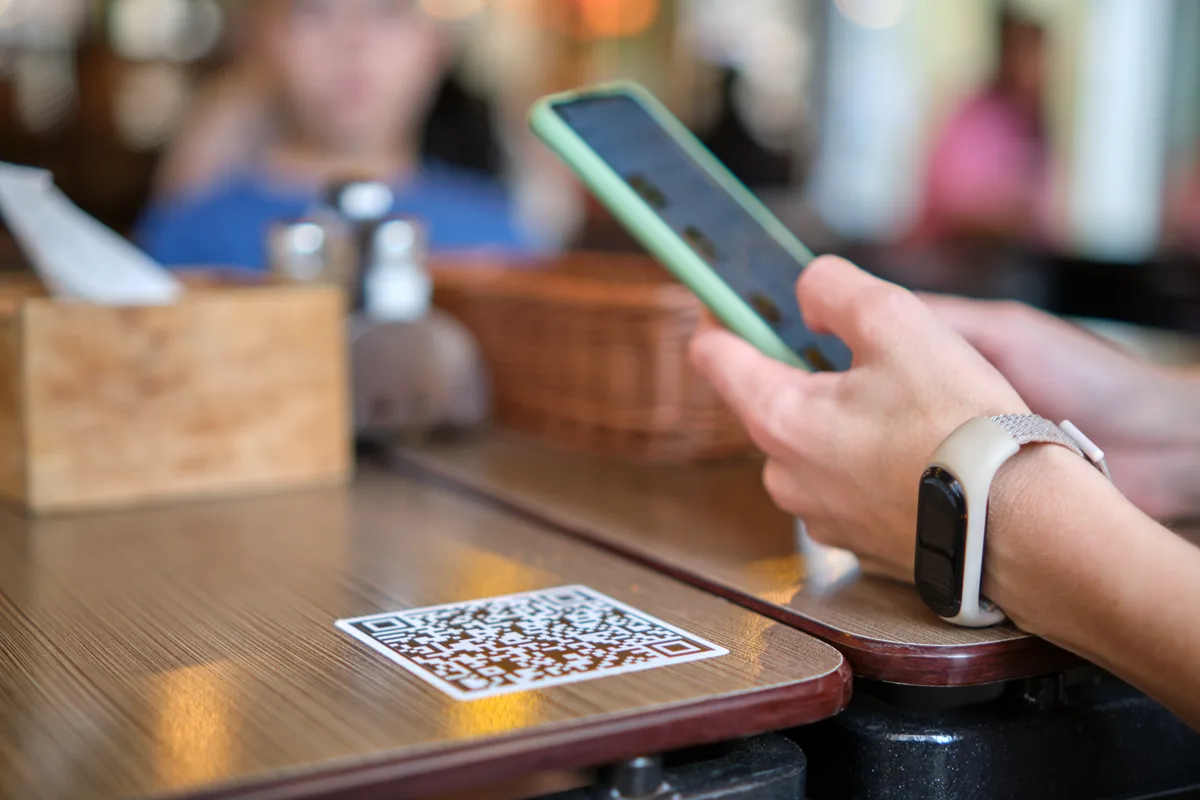
What a QR menu should do after the scan
A QR code is only the doorway. The page behind it should load quickly, fit a small screen, make categories easy to scan, and show prices without forcing the guest to zoom. Qenvario stores the menu as structured content rather than a single poster-sized file, so headings, item cards, and navigation can respond to the visitor’s screen.
The public menu URL remains the destination while you edit the content in the dashboard. That means a price correction, a sold-out item, or a new seasonal category does not require a new table QR code. You still control when changes become public by reviewing and publishing the menu.
- Use short category names that match how guests order
- Keep prices and availability current
- Compress item photos and use them selectively
- Test the printed code in the lighting of the venue